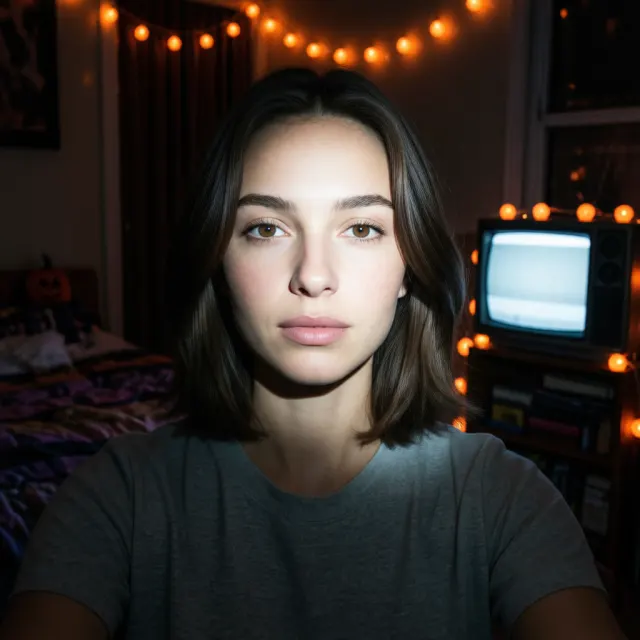
Y2K Flash Horror Photo
The viral look of the season: a dark 2000s bedroom, a harsh on-camera flash and film grain, like a still from a teen horror movie.
Try this lookUpload one selfie, pick a Halloween look, and get a ready-to-post photo. Your face stays recognizable — only the costume, makeup, lighting and scene change.
3 free AI edits after you sign in (watermarked, up to 1024px) · Then $4.90 for 15 full-resolution edits, no subscription needed
Pick a look in the editor above, or type any costume or scene you like. Every preset is just a prompt — you can edit it before you generate.
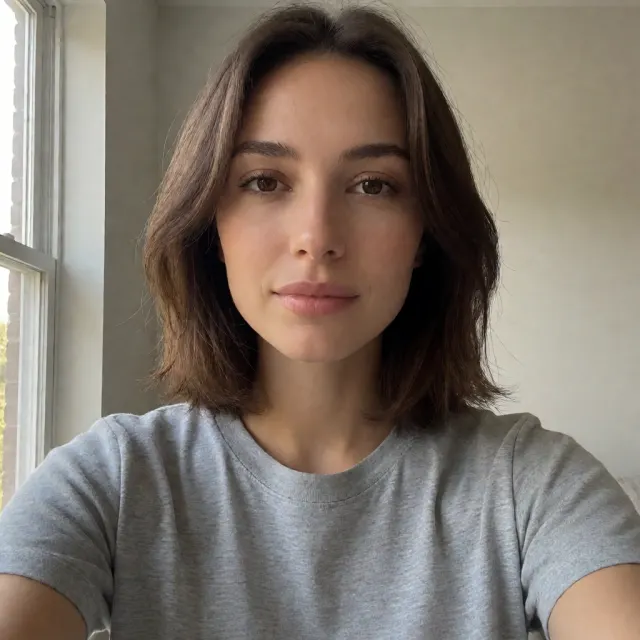
The viral look of the season: a dark 2000s bedroom, a harsh on-camera flash and film grain, like a still from a teen horror movie.
Try this look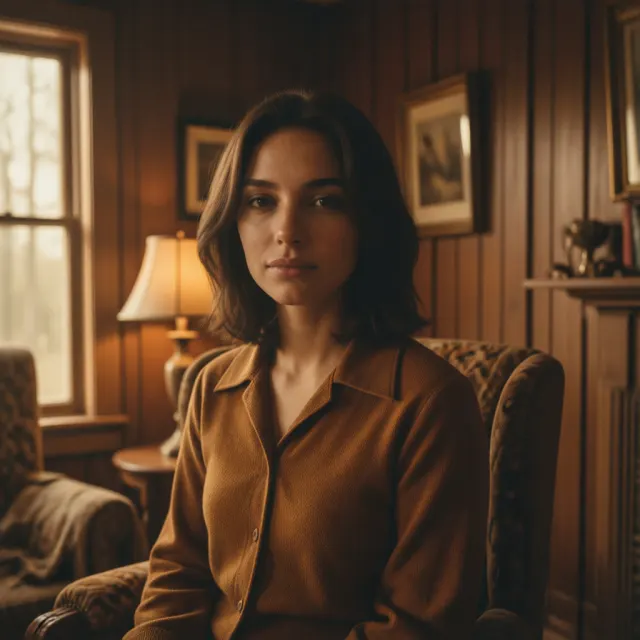
Warm faded colors, soft focus, heavy grain and a foggy old house — your selfie as a vintage horror-movie still.
Try this look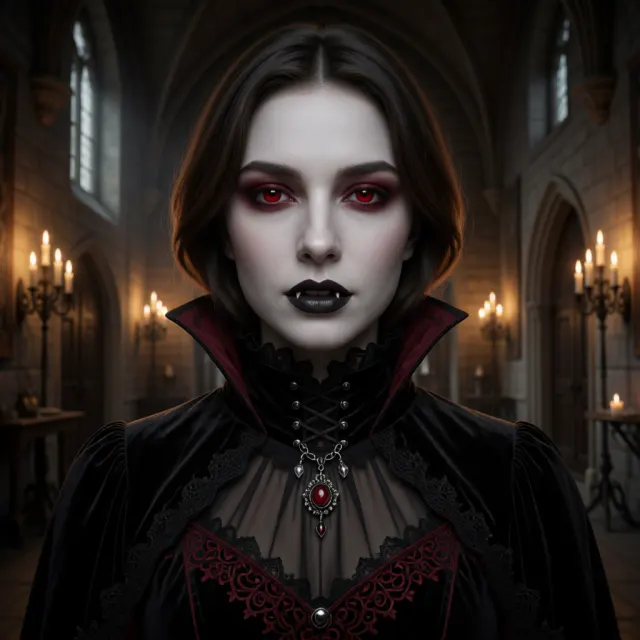
Pale skin, red eyes, subtle fangs and a gothic outfit, lit by candlelight in a dark castle hall.
Try this lookA pointed hat, dark lipstick and a misty moonlit forest full of glowing pumpkins.
Try this look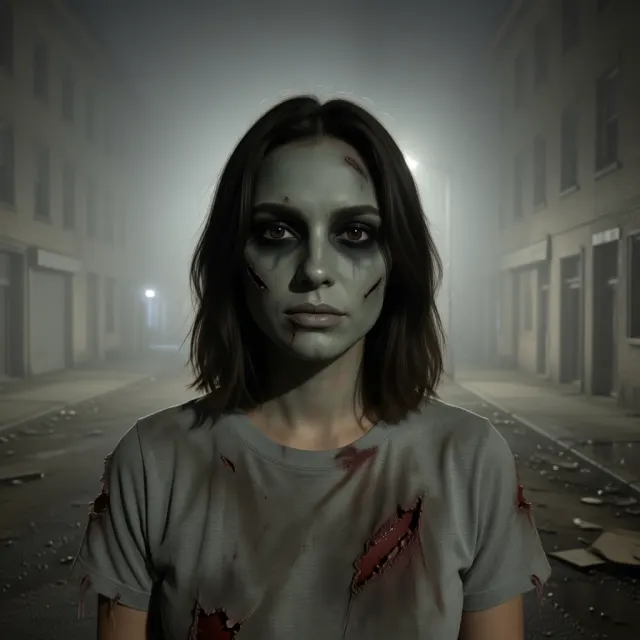
Realistic special-effects zombie makeup that still looks like you — no latex or face paint needed.
Try this look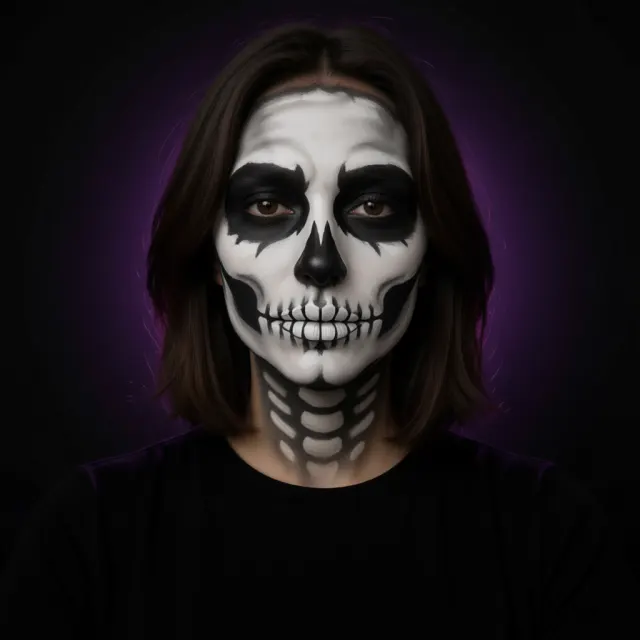
A clean black-and-white skull face-paint design, without spending an hour in front of the mirror.
Try this look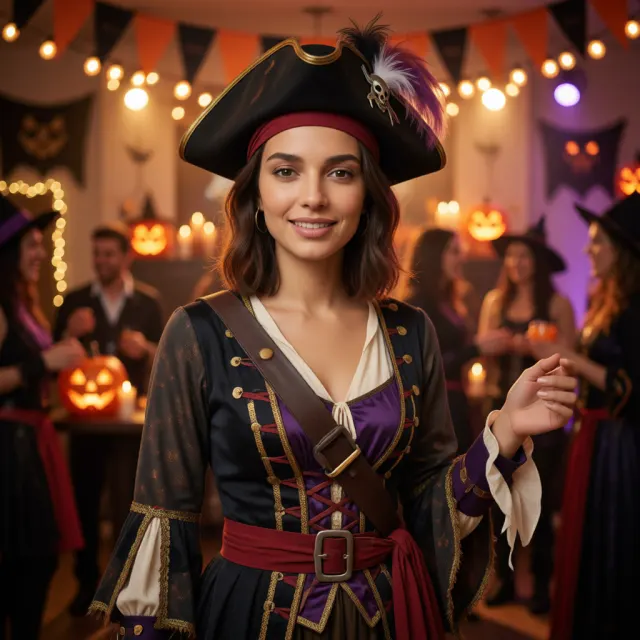
See a costume on you before you buy it. The preset uses a pirate — change the word to any costume, like an astronaut, a ghost bride or a superhero.
Try this look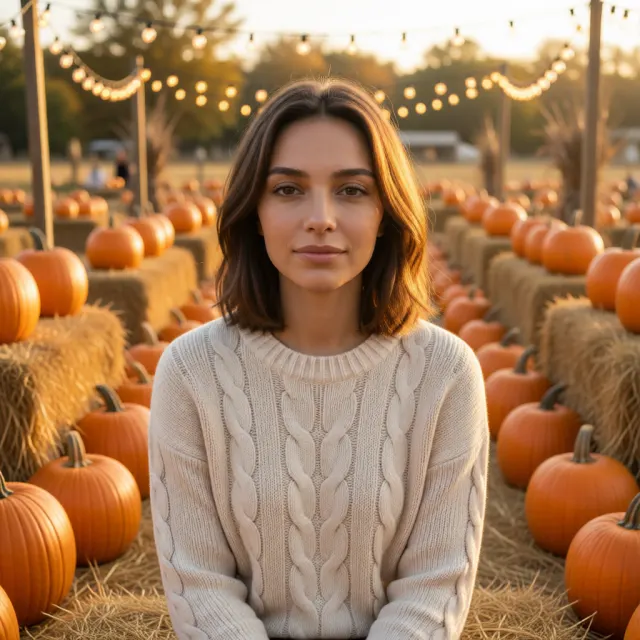
A cozy autumn portrait among pumpkins, hay bales and golden-hour light — no trip to the farm required.
Try this lookChoose a clear, front-facing photo of one person. JPG, PNG and WebP all work.
Tap one of the 8 Halloween presets, or type your own costume or scene, then press the button.
Save the result and share it on TikTok, Instagram or as your profile picture.
The Halloween AI photo trend turns an ordinary selfie into a nostalgic horror shot. The most popular version this year is the Y2K flash photo: a 2000s bedroom at night, a harsh camera flash, grain and a horror-movie mood.
Most people make it by pasting a long prompt into an AI image tool. Here you can skip that: upload your selfie, pick the Y2K Flash Horror preset, and the prompt is filled in for you.
Every account gets 3 free AI edits after signing in. Free results are up to 1024px and carry a small watermark.
For full-resolution photos without a watermark, credit packs start at $4.90 for 60 credits (15 edits) and never expire. No subscription is needed. Basic editing — crop, rotate, resize and convert — is always free.
See all pricesImages on this page are created with AI and may not be accurate. Don't use them to impersonate or mislead anyone.